Stop retyping the same HOAs, TINs, office details and dates on every challan. Save them once, then autofill Common Challan, Commercial Tax and Deposit Fund Transfer forms in seconds.
Har challan, ek hi click mein.
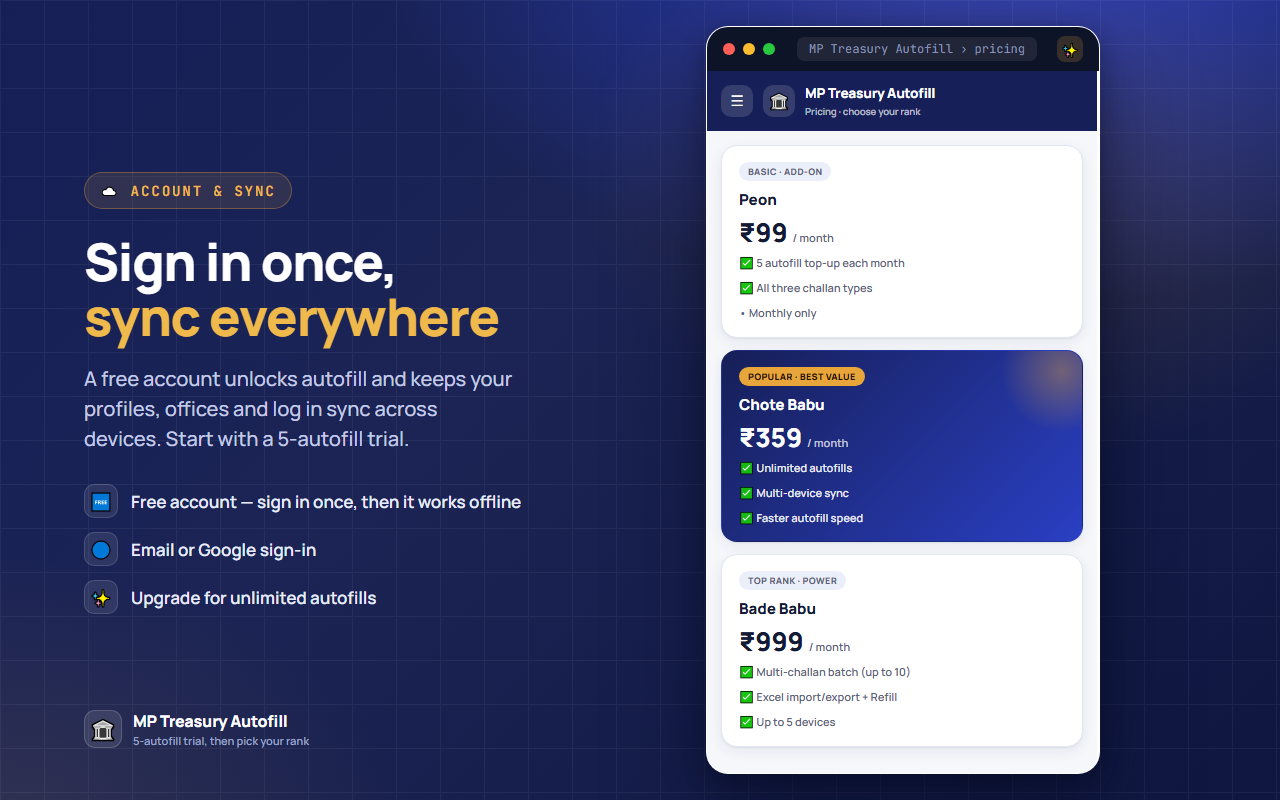
Every new device gets a one-time trial of 5 autofills · plans from just ₹99/mo.
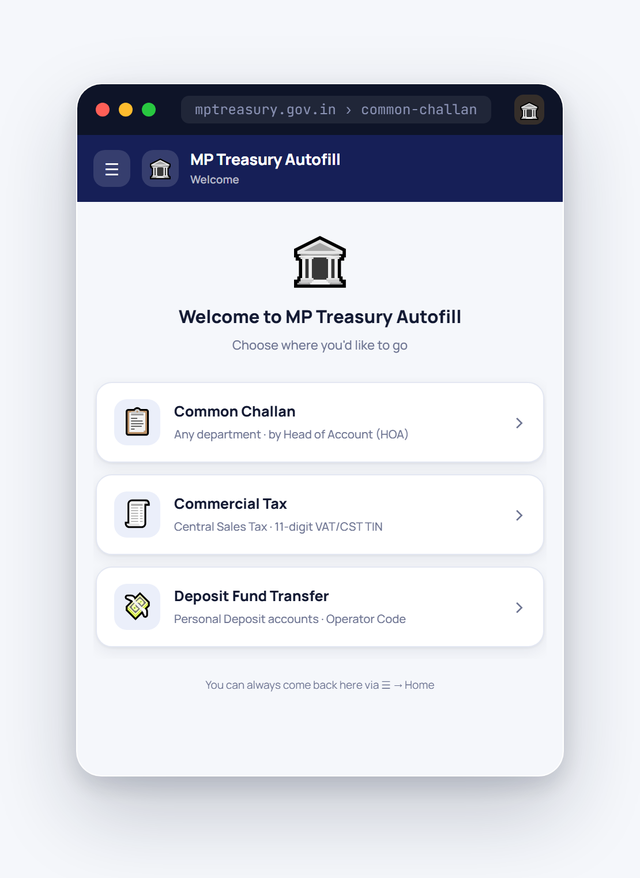
Tap through the extension — one-click autofill, saved profiles, history and sync.
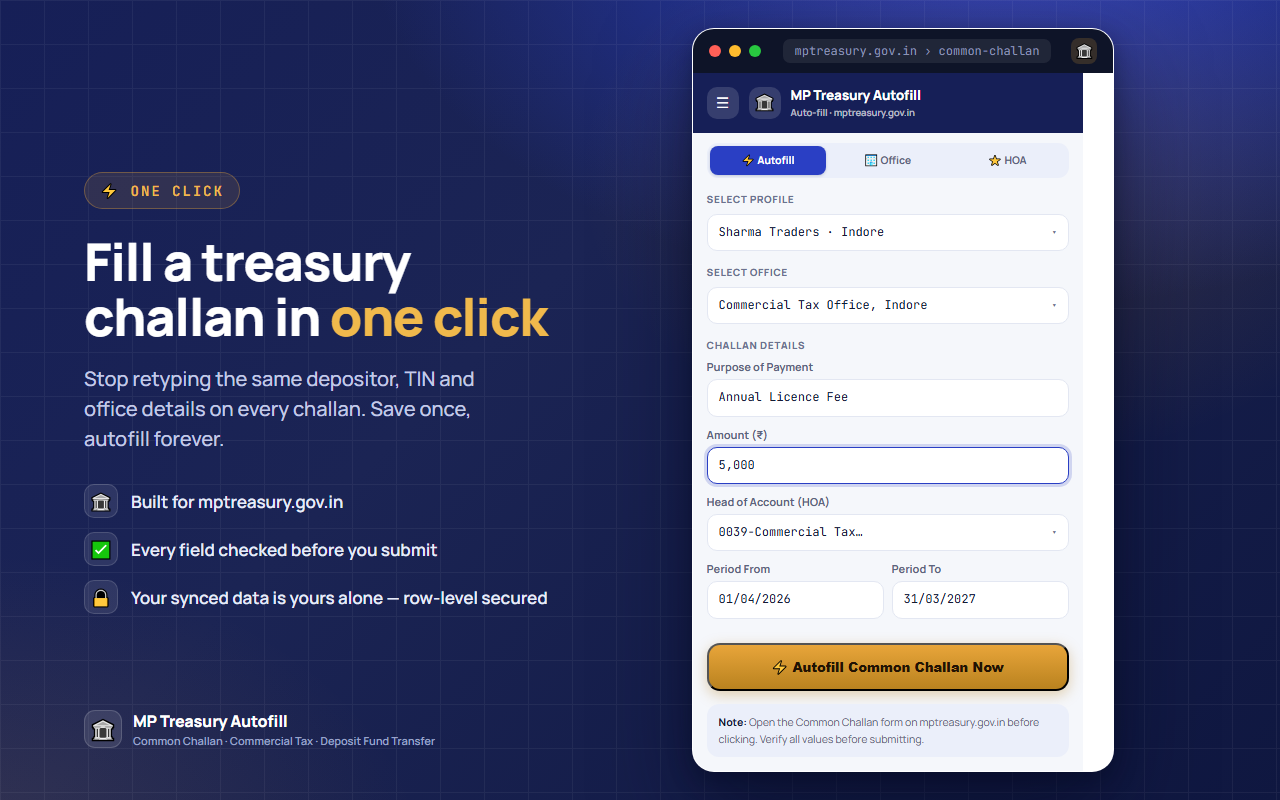
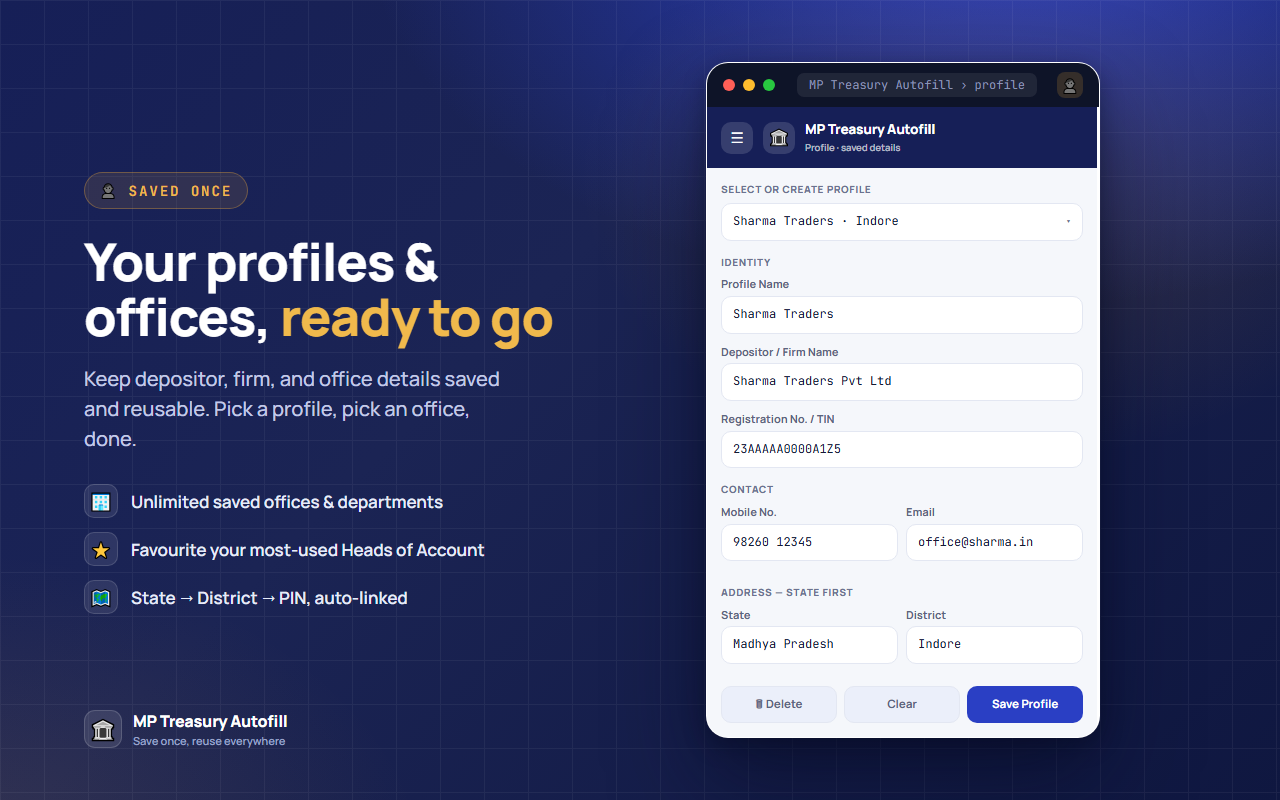
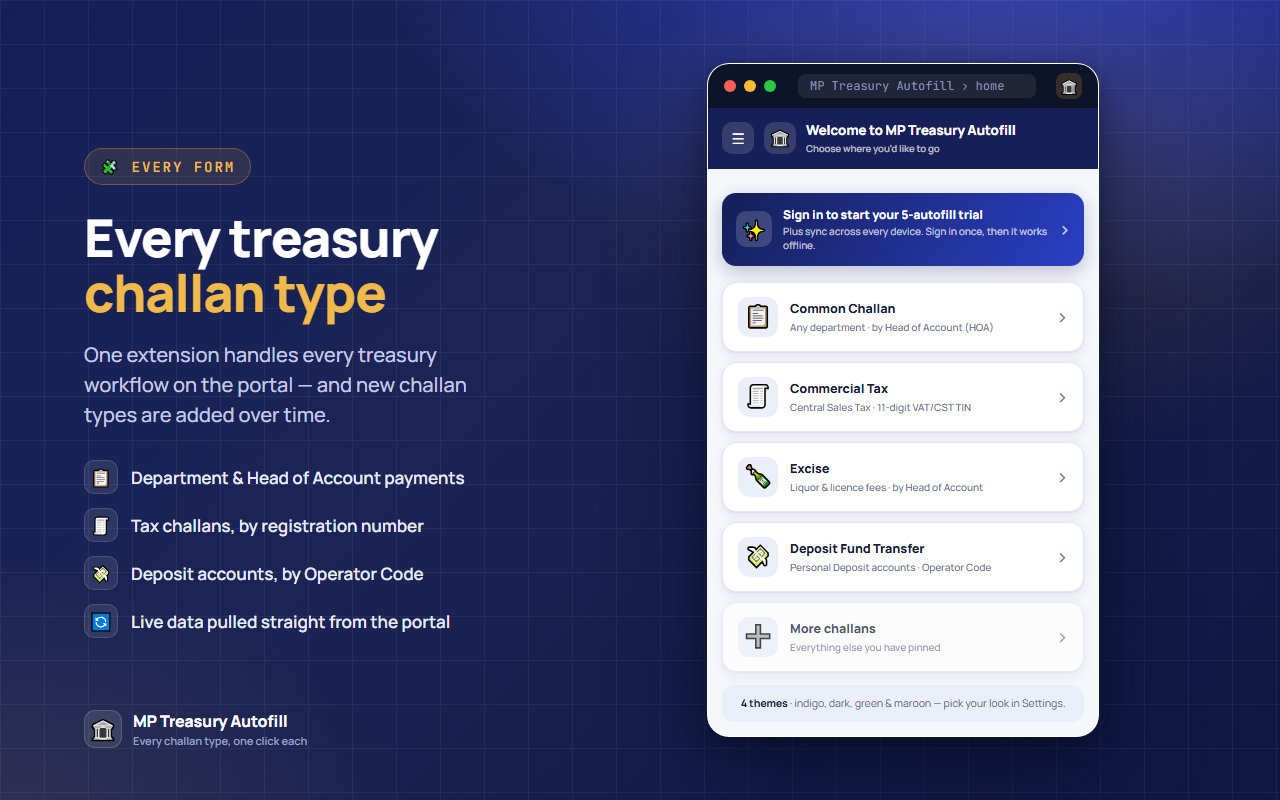
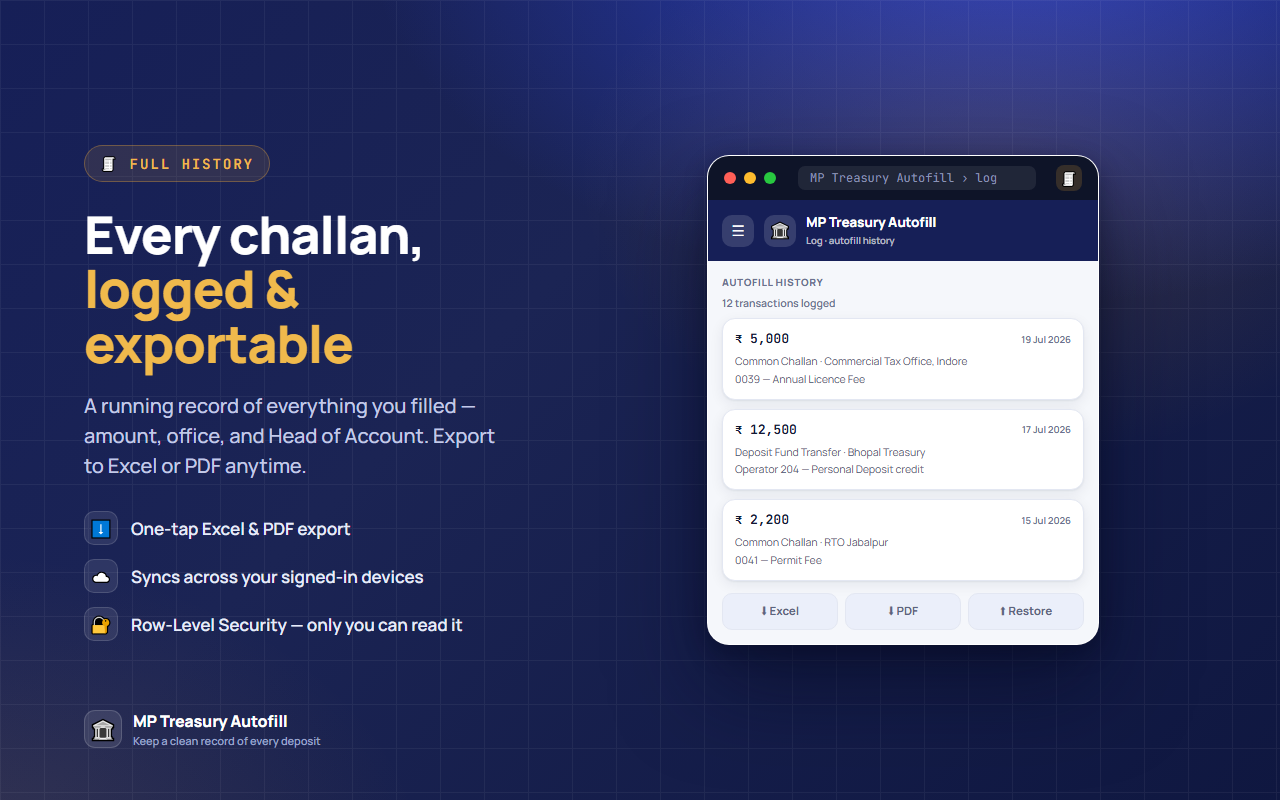
Open the challan on the treasury site, click once, and every field fills from your saved profile and office.
One click on the treasury site — watch a full challan fill itself.
No training, no setup headaches.
Add the extension and fill in your profile and office once — it takes a minute.
Go to the Common Challan, Commercial Tax or Deposit Fund Transfer form on mptreasury.gov.in as usual.
Every field fills instantly. Check it over and submit — done.
We read the portal's own code to build this. The notes are free, whether or not you install anything.
Why the Head of Account list starts empty, the field limits that silently truncate what you type, and the rule that stops you paying two amounts under one head.
Read the guide ›What the 11-digit TIN actually checks, and why your challan can quietly route to Indore.
Read the guide ›Why the district dropdown starts empty, and the two fields the form demands without marking them.
Read the guide ›Why the Purpose list is empty until you pick an office, and why only one line can ever be added.
Read the guide ›Finding your Operator Code, and the one field that wipes the form if you change it late.
Read the guide ›Four hand-tuned themes — switch any time from Settings. Same one-click autofill in every one of them.




From the daily-wager to the head clerk — a plan for every kind of filer.
Every plan covers every challan type we support, including ones added later — higher ranks get first access to new ones.
Add it to Chrome, try your 5 trial autofills, and file your next challan in seconds.
+ Add to Chrome — Start Trial